📸 Study Guide Uploaded
Science • Technology • Engineering • Math
⭐ +250 XP
Rewards Earned • Lesson completed!
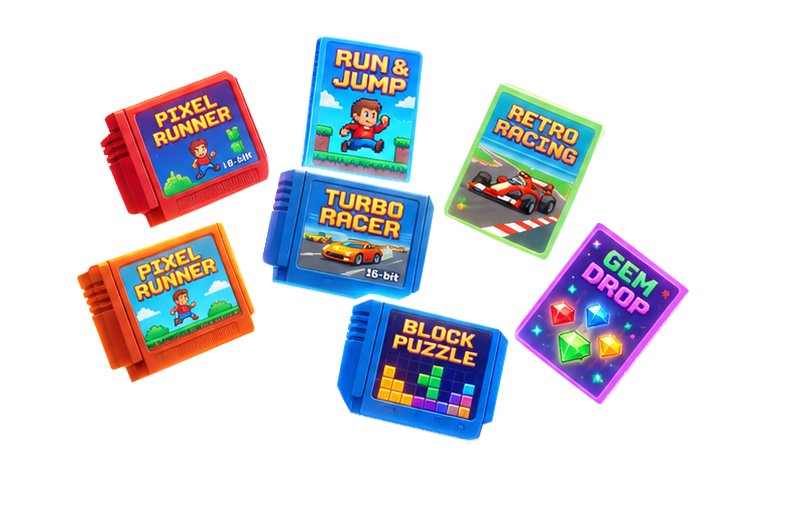
🎮 Game Pass
Premium Access • All Games • $6.99
Yourwordisalamptomyfeet,andalightformypath.
Psalm 119:105
Scroll to launch
Here's what's waiting inside.
Kadosh started with one idea: turn your child's lessons into games. It has grown into story books that read aloud, a safe space just for kids, printables and coloring pages, and a planner that keeps your records. Here's the quick tour.
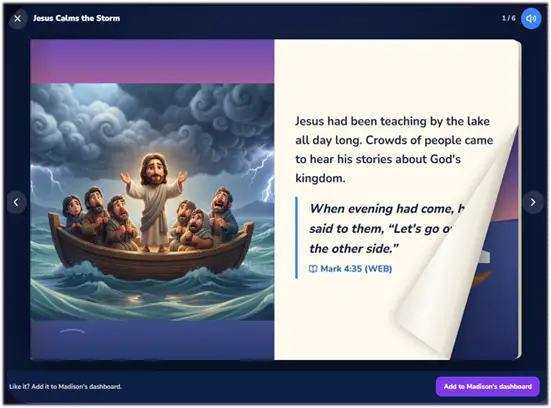
Stories that turn like real books.
Your child drags the corner and the page curls over. Tap Read to me and every word lights up as it's read aloud. Glowing spots hide little discoveries, and a question along the way checks what they understood.
Bible stories, plus stories about sharing, caring, big feelings and everyday family life
In Bible stories, Scripture is quoted word for word and set apart from the story
"Talk about it together" questions for you and your child
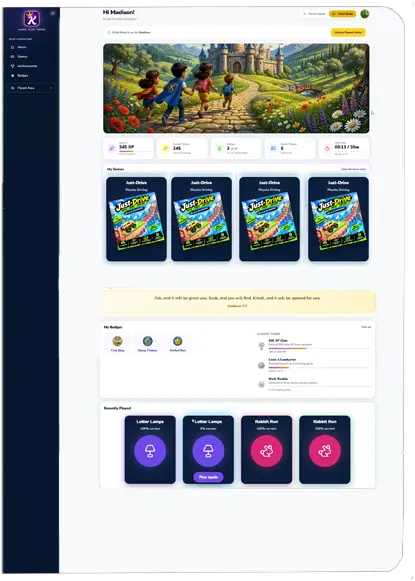
In Kids Mode, your child sees only what you allow—My Games, My Assignments, and My Stories. Their dashboard stays locked, with access controlled by the parent using a password or PIN.
Quizzes Built Around Your Child
Create a quiz for each child in just a few minutes. Choose the rules and questions, and decide how Kadosh handles the results. Every child has their own learning space, so their work, games, quizzes, and progress stay separate.
When it's time for a quiz, Kadosh takes care of the rest. The next time your child logs in, games pause, the dashboard fades back, and the quiz becomes the focus.
Know Where They Stand
When the quiz is finished, parents receive a notification through email and the parent dashboard with real results—not guesses.
See what your child knows, where they're struggling, and where they're making progress with clear visual graphs that break down strengths, weaknesses, and learning trends.
Less guessing. More knowing. More time focused on what your child actually needs.
Kadosh isn't just a collection of games. It's a place where parents can share ideas, ask questions, trade tips, and find things that actually work.
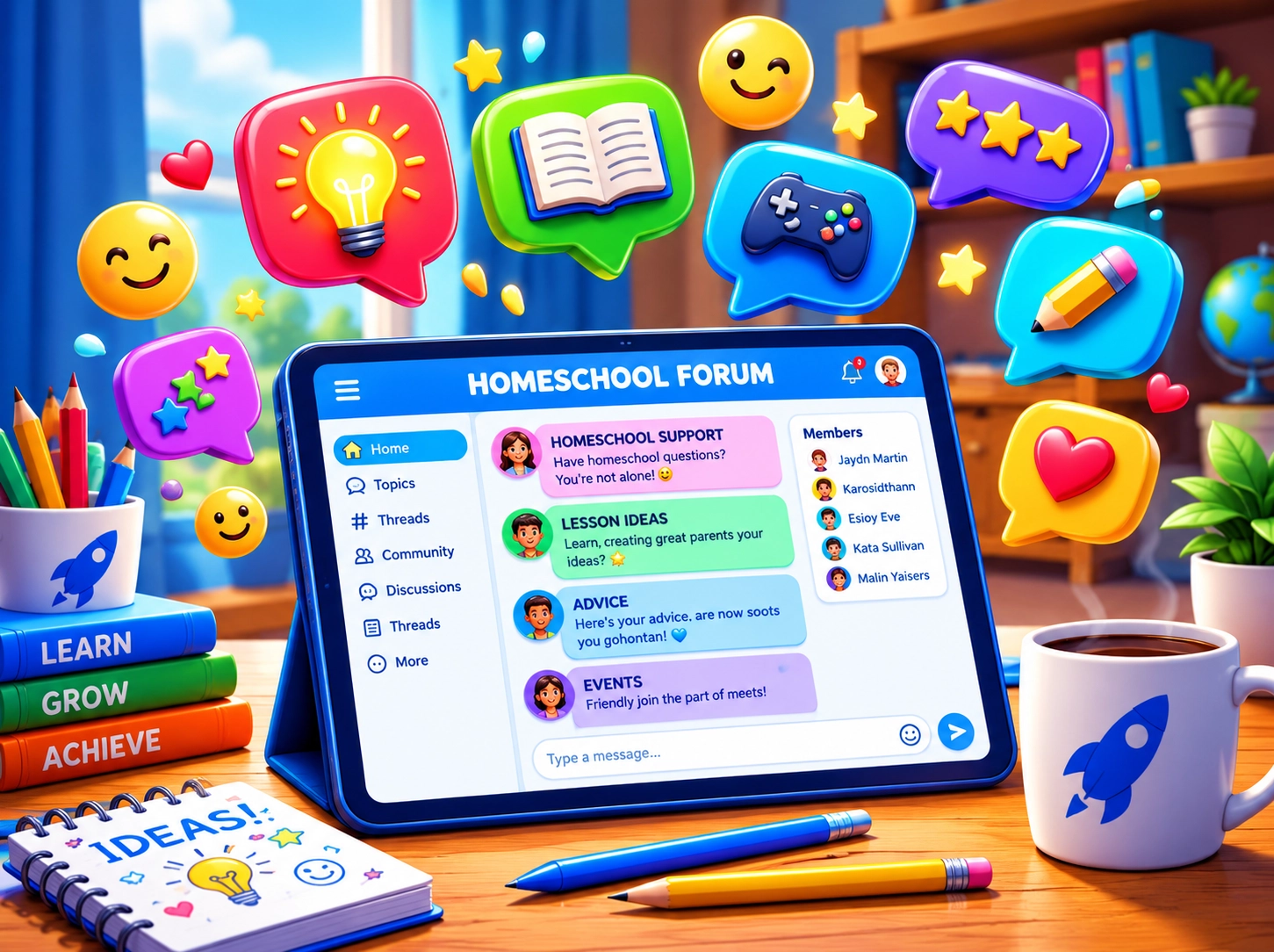
Parent Forums
Homeschooling is easier when you don't have to figure it all out alone. Ask questions, share ideas, swap teaching tips, and connect with other Kadosh families.
Talk about lessons, games, study guides, parenting wins, and the everyday challenges of teaching at home. Learn from other parents and share what works for your family.
A homeschool planner that lays out your week, and quietly
keeps your records while you teach.
Your week, already laid out.
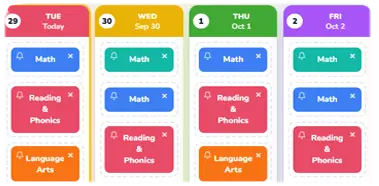
Tell Kadosh how often each subject meets, and it places
them on the right days. Three times a week lands on
Monday, Wednesday, and Friday. Then drag anything anywhere.
One simple page for today.
Subjects and to-dos, each with its details and a checkbox.
Check things off as you go.
Attendance that takes itself.
The first check-off marks the day present. One tap marks
an absence and why. Watch your school days add up toward
your yearly goal.
Grades in seconds.
Enter a test, quiz, or assignment score as 18&2/0 90%.
Letter grades and subject averages are worked out for you.
Lessons that keep your place.
Enter your curriculum once. Each subject shows the next
lesson and moves forward as you check it off.
A record you can hand over.
Every day's work, attendance, grades, and notes, kept all
year. Download a clean PDF or CSV for an evaluator,
umbrella school, or your own files.
Schoolwork first, then play.
Write a quick quiz, or give a job like reading a chapter.
It waits in Kids Mode and the games stay closed until it's
done. Then see every answer, written reply, or photo.
Sticky notes for everyday to-dos
Bell reminders
Week and month views
Catch up on days you missed
A daily journal note
Nothing forced: it records only what you use
Schoolwork shouldn't always feel like schoolwork.
Let's be honest. Kids don't always get excited when you hand them another worksheet.
But give them a racing game, a quest, a challenge, or something they can actually play? That's a different story.
Kadosh was built around one simple idea: use the stuff they're already supposed to learn and make it more fun to practice.
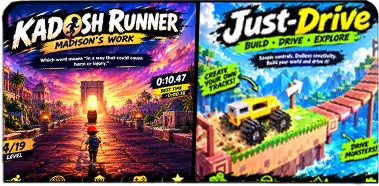
Answer questions, hit the right gates, earn boosts, collect coins, and try to beat your best score.
🗺️
Adventure Games
Explore maps, find answers, complete challenges, collect items, and unlock new areas.
🧩
Puzzle & Challenge
Matching, sorting, memory, logic, quick questions, and other bite-sized ways to practice.
Start Free. Play More When You're Ready.
See what Kadosh can do for your family before you spend a dime. Start with our free tools, then unlock even more games, features, and resources when you're ready.
Free
$0forever
Everything you need to turn your first study guide into a fun, interactive Kadosh experience.
Prefer to own a game?
You can also purchase individual premium games for $3.99 and keep them forever — no monthly Game Pass required.
Okay, but how does this really work?
Do I have to know how to make games?
Nope. That's the whole point. Kadosh gives you premade game templates and handles the complicated stuff. You provide the learning material and choose what you want to play.
What can I upload?
Study guides, worksheets, vocabulary lists, spelling words, math facts, review questions, and other lesson material can all be used as the starting point for a game.
Does my child have to play the same game every time?
Nope. The same lesson material can be used across different types of games. That means you can change the experience without having to recreate the lesson from scratch.
What kinds of stories are in the Story Books?
Some are Bible stories and some are about everyday life: sharing, caring, handling anger and other big feelings, and what moms and dads do at work. In the Bible stories, verses are quoted word for word from the World English Bible and shown in their own style with the reference, so children can see what the Bible says apart from how the story is told. Books end with a few questions you can talk about together.
Is there a free option?
Yes. The Free tier is designed to give families enough to actually use Kadosh and get started without pulling out a credit card first.
Is Kadosh only for homeschool families?
Kadosh is designed with homeschool families in mind, but the idea is simple enough for anyone who wants a more fun way to practice school material.
What is the Parent Forum?
It's the community side of Kadosh. Parents can ask questions, share ideas, talk about games, swap lesson ideas, and help each other out.
Got a study guide? Let Kadosh build a study game!
Take a picture. Upload it. Pick a game. That's the idea behind Kadosh.